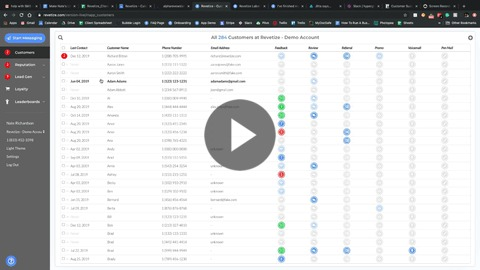
1. Filter to the group that you wish to send to.
2. Select the entire list by clicking the checkbox at the top of the column, next to the column header titled 'Last Contact'.
3. Click 'Start Messaging' in the top left corner of the dashboard.
4. Select or create the template that you'd like to send to the selected list.
5. Scroll to the bottom of the template and hit the blue Send button (paper airplane icon).